
Designed and hosted in Switzerland
Your venue’s audio guide, right on your visitors’ phones
Create multilingual audio tours in your own branding. Visitors scan a QR code and start listening right away: no app, no account, even offline.
- No app required
- Multilingual
- GPS tours and QR codes
- Anonymous statistics
Why switch
A guided tour with no devices to lend or app to develop
Your visitors’ phones become their audio guides. You stay in control of the content, languages and branding.
| Audio guides to rent | Custom app | guide-audio.ch | |
|---|---|---|---|
| For visitors | Device to borrow and return | App to download | One scan and the tour begins |
| For your team | Devices to charge, maintain and disinfect | Development and updates by an external provider | Content edited directly in the studio |
| Languages | Depending on the recordings ordered | Depending on the development budget | AI translation and voiceover, ready for review |
| Analytics | Number of loans | Depending on the integrated tools | Listens, languages, QR codes, stops, without personal data |
The studio
Create each stop like a short programme
The voice tells the story, ambient sound brings the place to life, and images, text or videos appear as they are mentioned.
-
A studio with a timeline
For each stop, bring together the voiceover, background music and the text, images, videos or places that appear at the right moment.
-
Generated or recorded voice-overs
Generate a natural-sounding voiceover from your text, or import your own recordings.
-
Multilingual in a few clicks
Use AI to translate a stop or an entire tour from your working language, then review and adjust each text.
For your visitors
Indoors with a QR code, outdoors with GPS
A numbered tour in a museum or church, a route through an old town or along a trail: the guide adapts to the place.
No app to install
Visitors scan a QR code or open a link, and the guide opens in their browser. No account or download needed.
A player designed for tours
Audio keeps playing as visitors navigate, and images, text and videos appear in sync with the voice.
GPS tour
Outdoors, the map shows the stops and automatically suggests the one the visitor has just reached.
Offline mode
Visitors download the tour before setting off and listen even without a connection.
Measure
See the impact of your tour, backed by numbers
How many visitors you have, what languages they use, where they come from and how far they listen: everything you need to justify the investment and improve your content.
-
Dynamic QR codes
One QR code per tour, stop or poster. Change its destination at any time: even printed codes will point to the new destination.
-
Where your visitors come from
Each visit is linked to its source: QR code, direct access, search engine, social media, referring site or campaign.
-
Statistics without personal data
Visitors, listens, completion rates, languages and most-listened-to stops, all in a built-in dashboard.
Also included
And everything else that makes a difference day to day
- Points of interest Showcase partner shops, restaurants and venues along the tour, with photos and contact details.
- Accessible and comfortable Every narration has a transcript highlighted as it plays, and the guide speaks the visitor’s language.
- An assistant to get you started Create a tour in four guided steps: tour type, stops, scripts, then voices and languages in one click.
- Every scan counts Track each QR code separately: find out which poster or sign works best.
- Your web address A subdomain ready to use straight away, or your own domain name, such as visite.ma-commune.ch.
- Your team, your organisations Invite colleagues with the right roles and manage multiple organisations from one account.
Do you have an IT department? Discover the integrations: analytics tools and AI assistants.
How it works
From your text to an online tour, in three steps
-
Create
Write your stops in the studio, generate or import the voice-over, and place images, text and videos on the timeline.
-
Publish
Translate in one click, print the QR codes and share the link: your guide is online, in your branding.
-
Improve
Track listens, languages and the most popular stops, then update your content at any time.
Use cases
For municipalities, cultural institutions and tourism organizations

Towns and cities
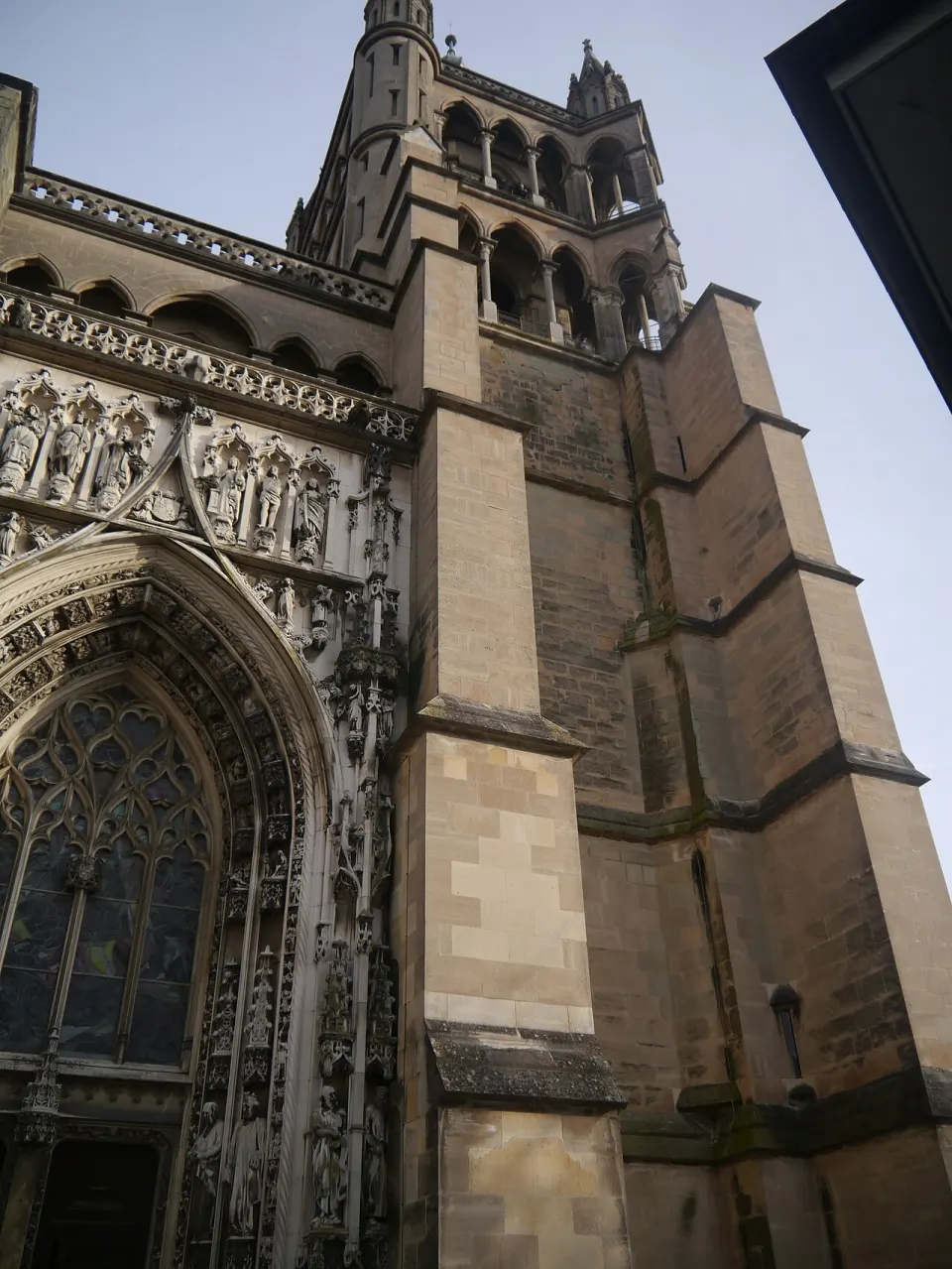
Historic center, nature trail, tour of fountains or notable buildings: tell residents and visitors the story of your town in their own language.
Discover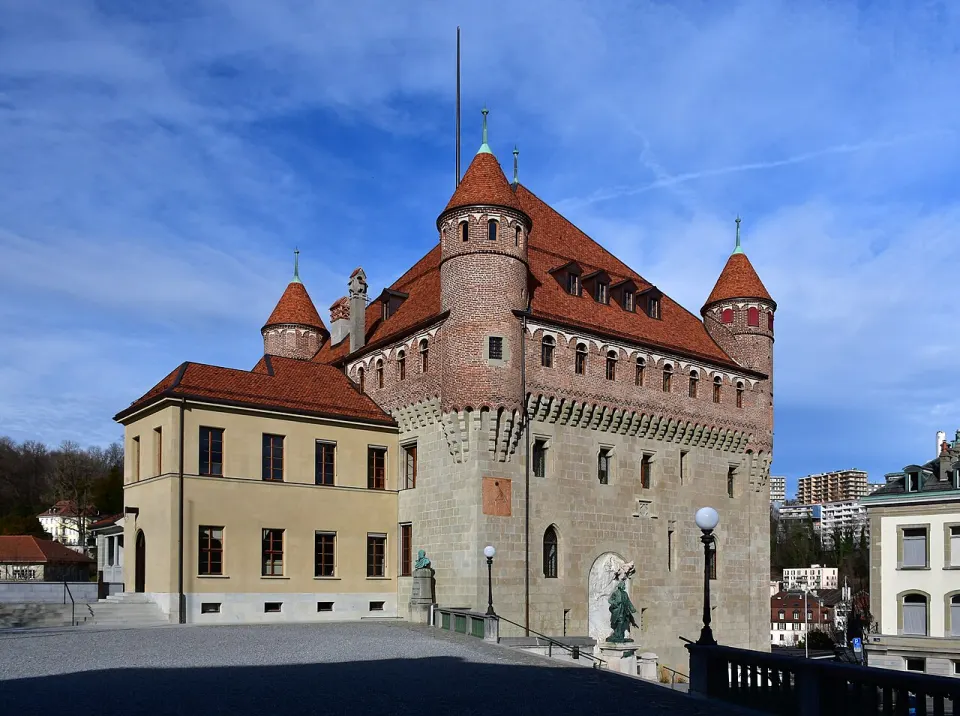
Tourist offices
Offer visitors narrated tours in several languages, available around the clock, that complement your guided tours and showcase your partners.
Discover
Museums and cultural centres
One stop per work or room, accessible by scanning the QR code on the label: commentary, detailed images, videos and full transcripts.
Discover
Nature parks and trails
Wildlife, plants, geology, landscape history: your signs come to life, with nature sounds and images that enrich the experience.
Discover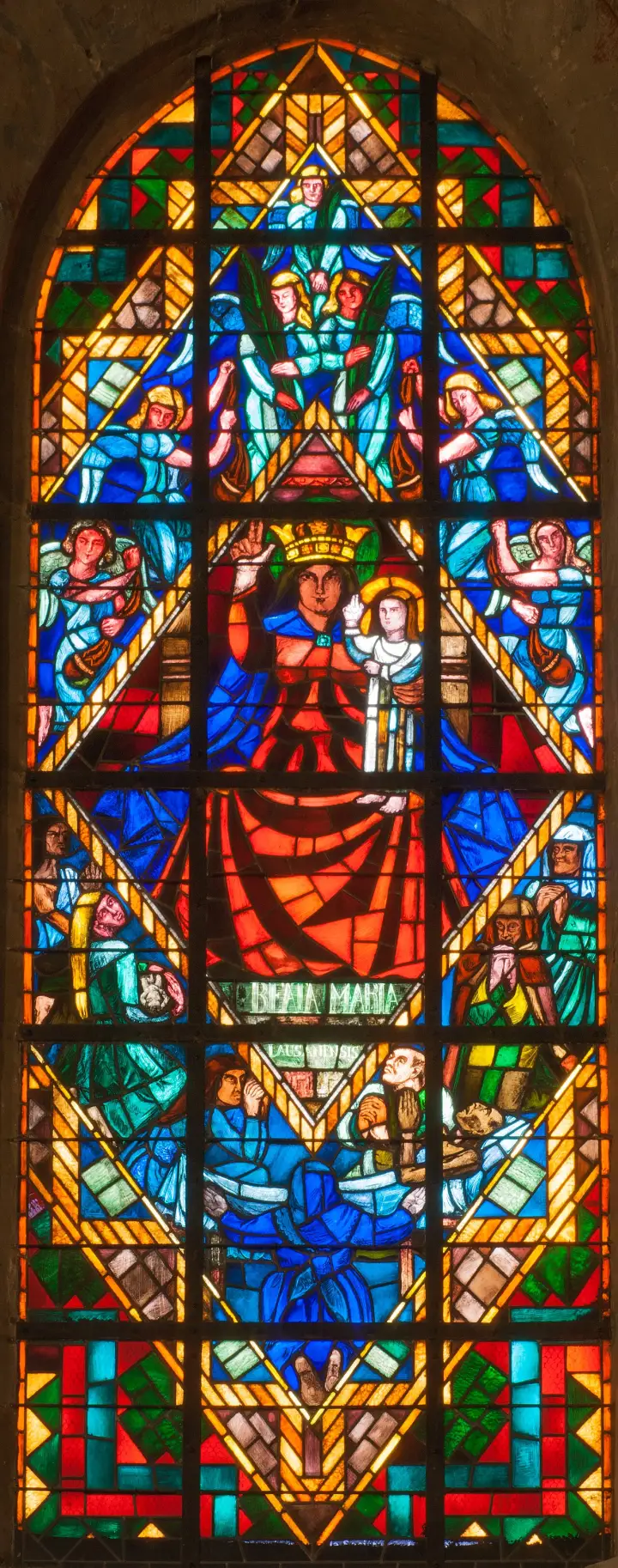
Religious heritage and castles
Stained glass, altarpieces, state rooms, fortifications: guide visitors’ attention with detailed images that appear during the commentary.
Discover
Wine estates and wineries
A walk through the vines, a tour of the cellar, the story of the family and the grape varieties: visitors listen at their own pace on their phone, then head to the tasting room.
Discover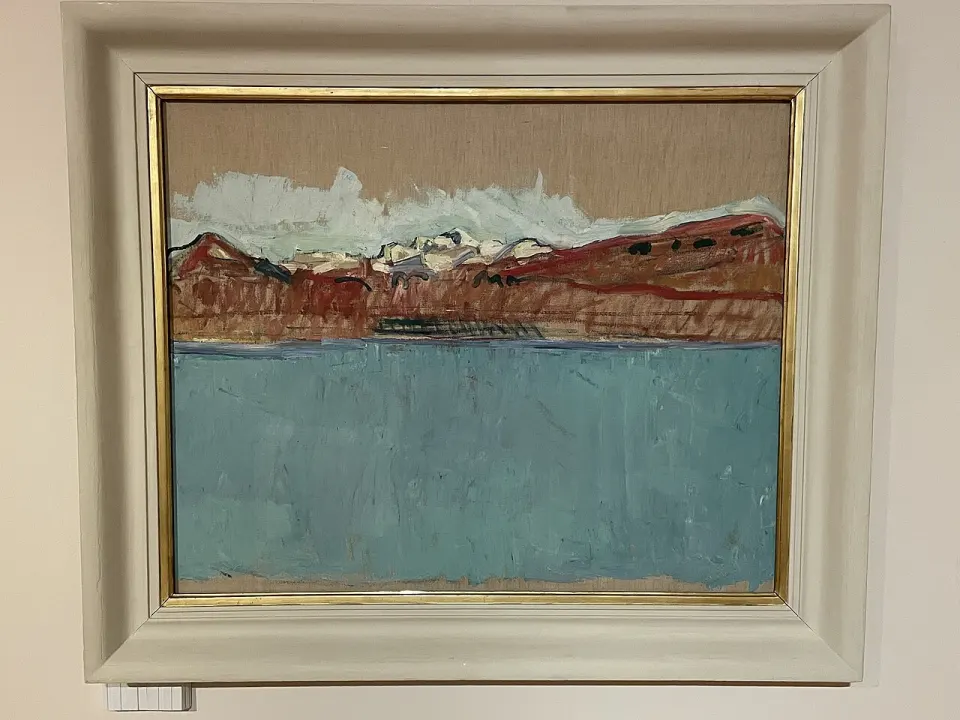
Businesses and events
Factory, winery or estate tours, exhibitions and open days: a guide in your own branding that guests can open by scanning a QR code.
DiscoverTrust
Your data and your visitors’ data stay in Switzerland
A platform designed for public and cultural institutions, built on the principle of data minimization.
-
Hosted in Switzerland
Content, media and statistics are stored on servers in Switzerland.
-
Designed in line with the nLPD
Tours without an account, minimal data collection and transparently listed service providers.
-
Visitors stay anonymous
No name or e-mail, no IP address kept, and a GPS position that never leaves the phone.
-
Your brand, your domain
The guide features your name, logo and colour, at your own web address.
Frequently asked questions
Frequently asked questions
Do visitors need to install an app?
No. The guide opens in the phone’s browser after scanning a QR code or clicking a link. It can then be added to the home screen like an app, but this is optional.
Do visitors need to create an account to listen to a tour?
No. The tour is anonymous: no name, email address or password is required. Progress and favorites are saved on the visitor’s phone.
Does the guide work without an internet connection?
Yes. Visitors can download a complete tour (pages, voices, images and ambient sounds) before setting off, then listen without a network connection. This is especially useful on trails and in buildings with poor coverage.
Does the map work without a signal?
Partly. The phone’s GPS works without a signal: stops are still suggested on arrival and downloaded audio plays normally. Map backgrounds, however, are not part of the download: only areas already displayed while connected remain visible. Tip: open the tour map once before setting off.
How big is a downloaded tour, and what about battery life?
Allow about 1 MB per minute of audio, plus images: a tour of eight two-minute stops weighs around 20 MB per language. Listening works with the screen locked. GPS uses more battery; it only switches on if the visitor asks for it.
Which phones are compatible?
Recent iOS and Android smartphones with common browsers (Safari, Chrome, Firefox, Edge). The guide also works on tablets and computers.
Let’s talk about your tour project
Show us your venue or tour: we’ll introduce you to the studio and create a first stop using your content.